THE ONLY ONE YOU NEED.
Design anything.
In minutes.
Pick one of 3,100+ ready-made designs, change the words and the photo, and share it. Flyers, CVs, invoices, photos and QR codes, all in one app.
DOWNLOAD THE APP iPhone · Android · iPad · Android tablets

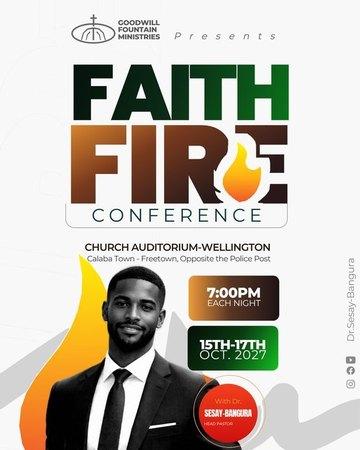
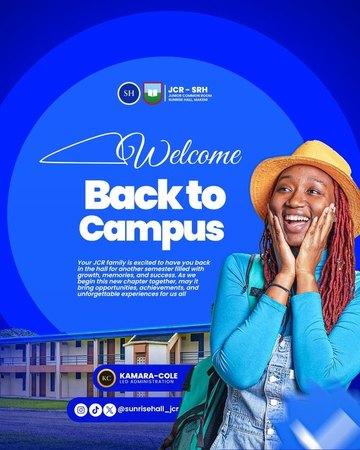
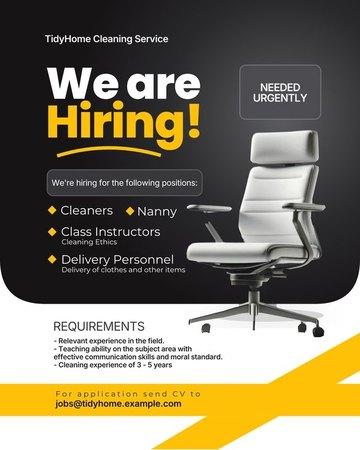

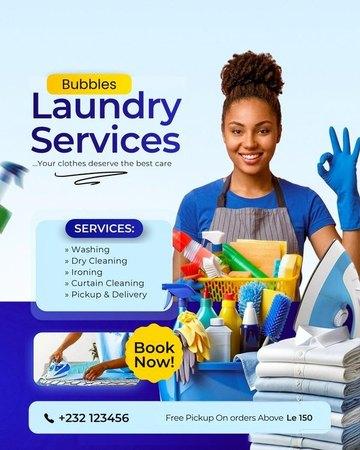


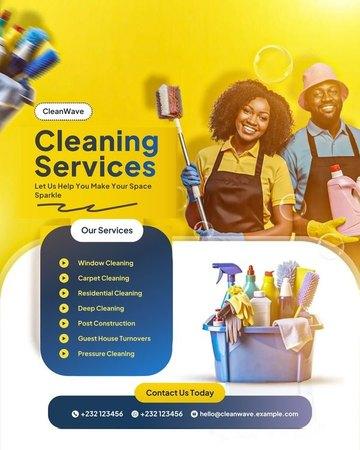
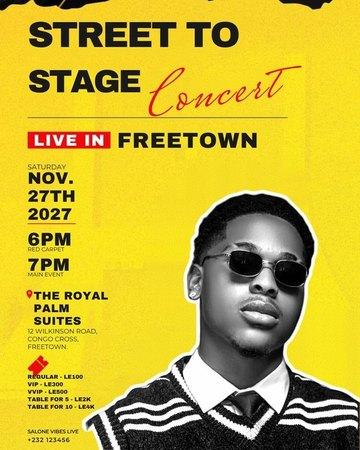
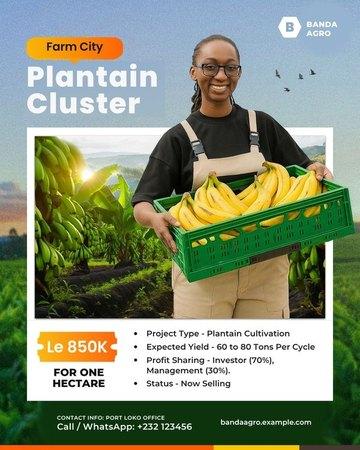

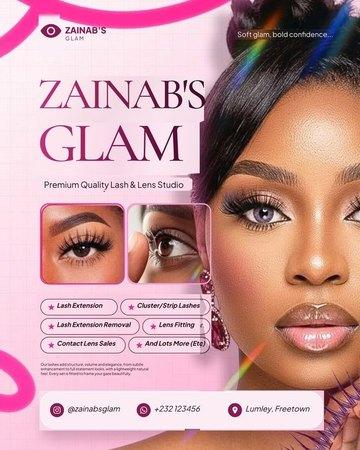
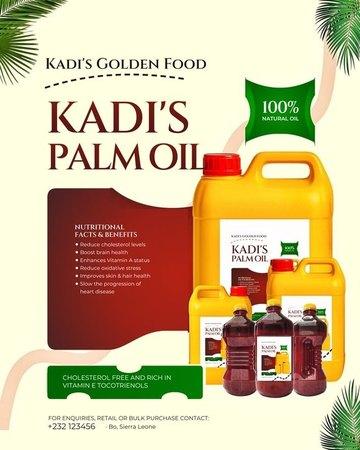

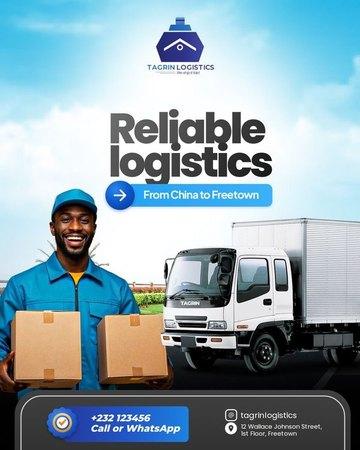

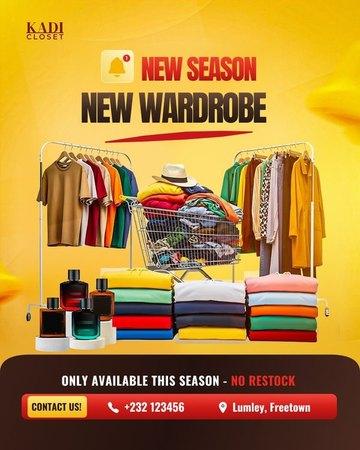

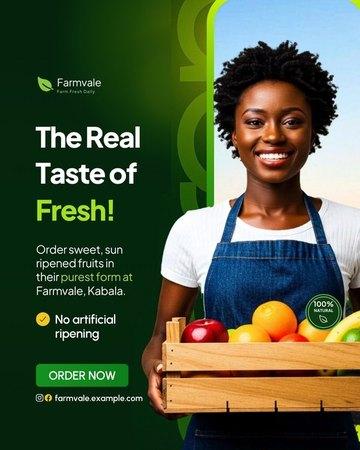
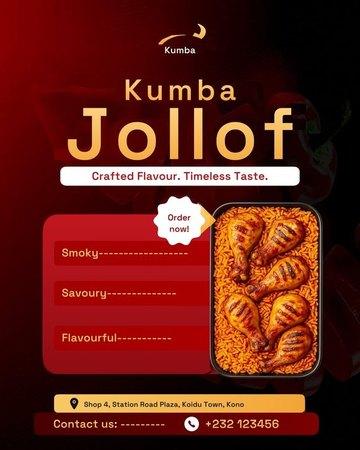
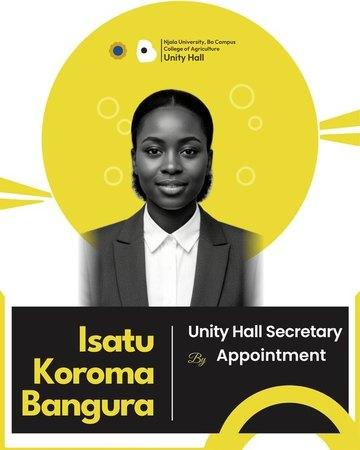

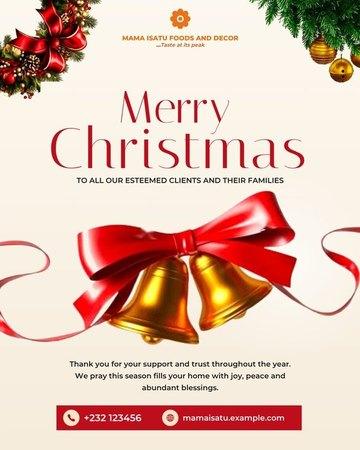
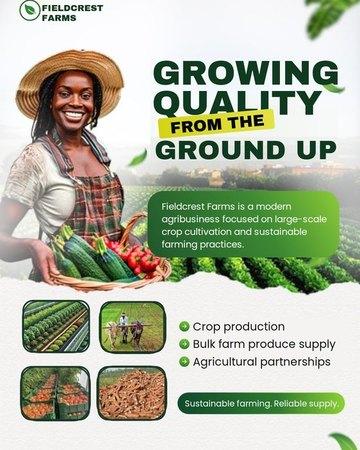

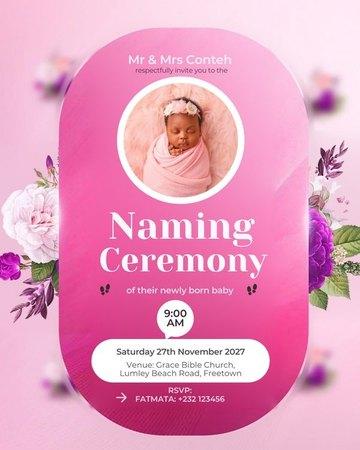
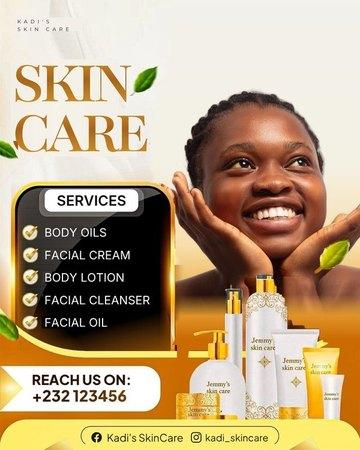
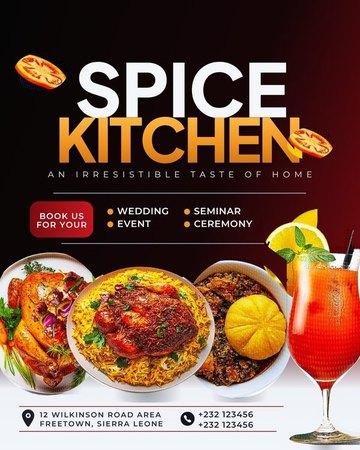
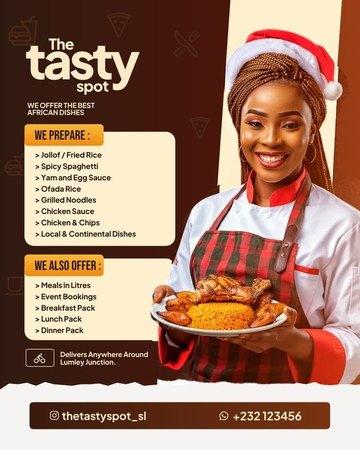
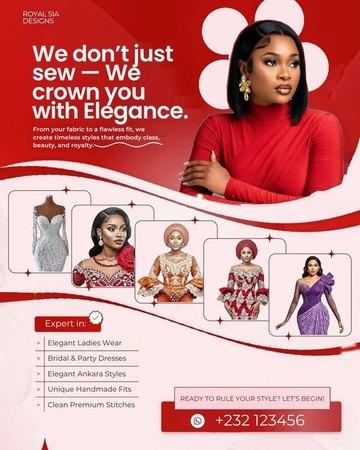

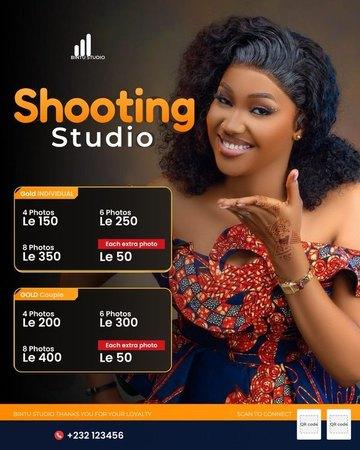

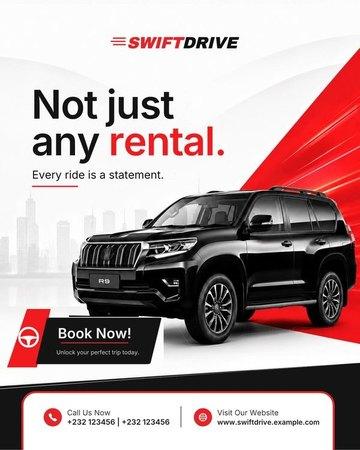

- Professional documentsCVs, invoices, certificates and business cards.
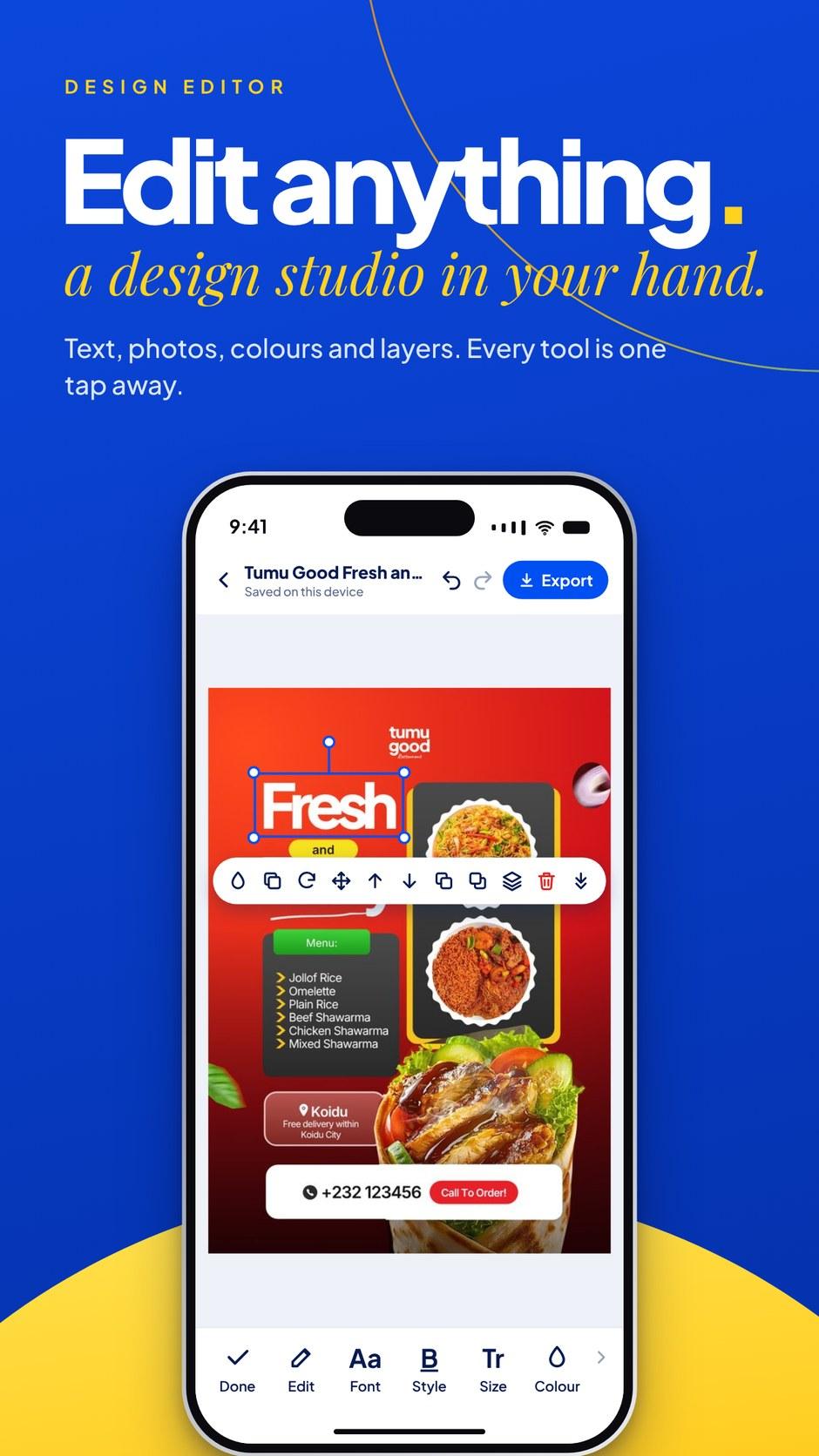
- Design anythingText, photos, colours and layers on a blank canvas.
- Advanced photo editingEnhance, retouch and remove backgrounds.
- Custom QR codesWith your colours and your logo.
WATCH · 90 SECONDS
One morning.
One app.
A flyer, a CV, an invoice, a photo and a QR code.
See them made on a phone.
PREMIERES WITH THE APP ·
The film is almost here.
ONE PLACE. REAL POSSIBILITIES.
Less switching.
More getting done.
Tools that belong together.
For work, business and everything in between.
One app.
A fresh start.
From the first idea to the finished document. Choose where you want to begin.
 Create More. Do More.
Your next chapter.
On the page.
CVs, invoices, letters, business cards, certificates, ID cards and invitations, plus designs in the Universal Design Editor.
Your best shot, every time.
Edit photos with looks and fine controls, replace backgrounds and remove objects, then combine them in collage layouts.
Start with a finished look.
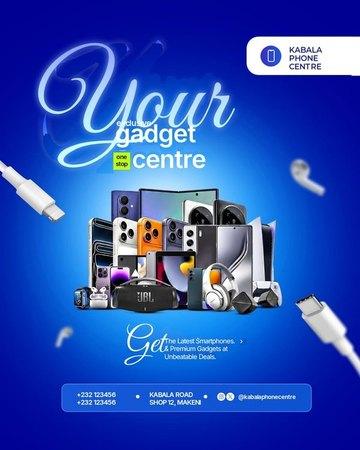
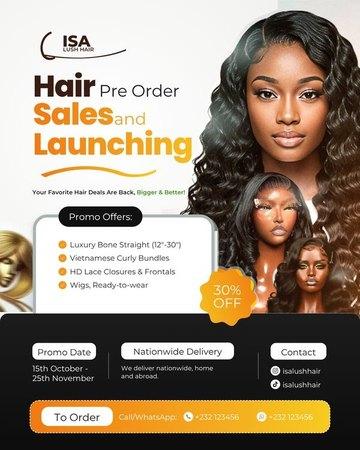
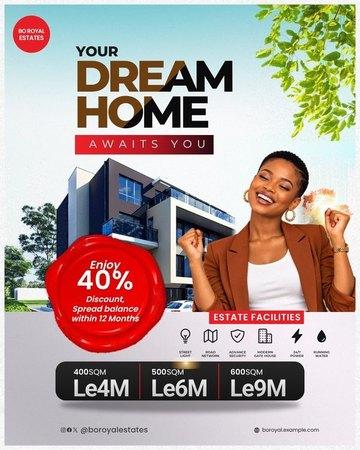
3,100+ editable templates for certificates, CVs, flyers, promotions, events and more.
Make the connection.
Create and save QR codes for the things you want to share.
FOR THE BUSINESS YOU’RE BUILDING
Less retyping.
More real work.
Your business details, customers and products, ready to use again. Stay consistent from the first invoice to the next.
Meet your everyday business toolkit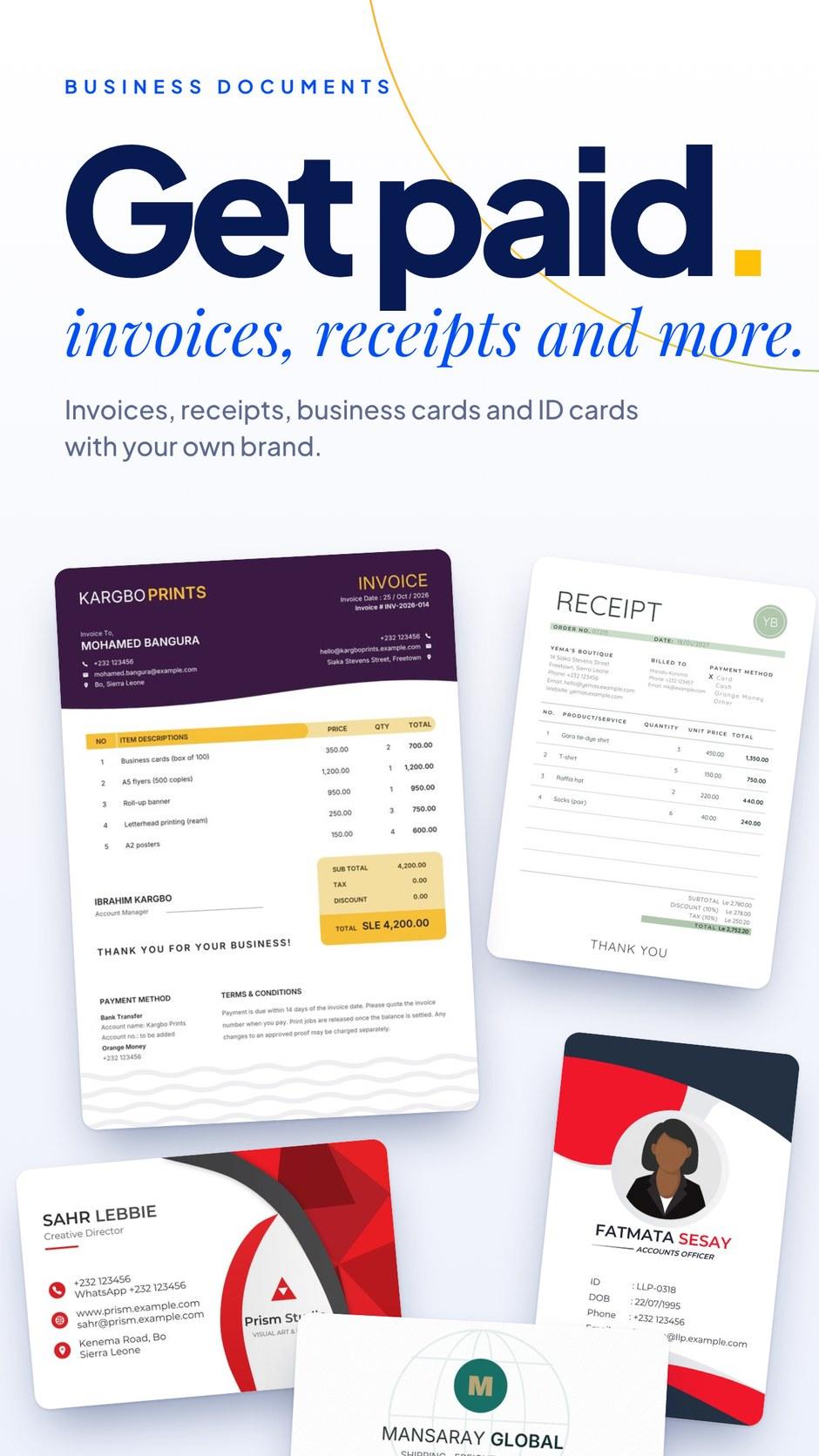
SEE IT HAPPEN
Your design,
in a few taps.
Pick a template, then make it yours. Change the words, the colours and the photo, and share it.
- 1 Type your words
- 2 Pick your colours
- 3 Change the background
- 4 Add a sticker
MAMA'S KITCHEN
Jollof Friday
Every Friday · Freetown
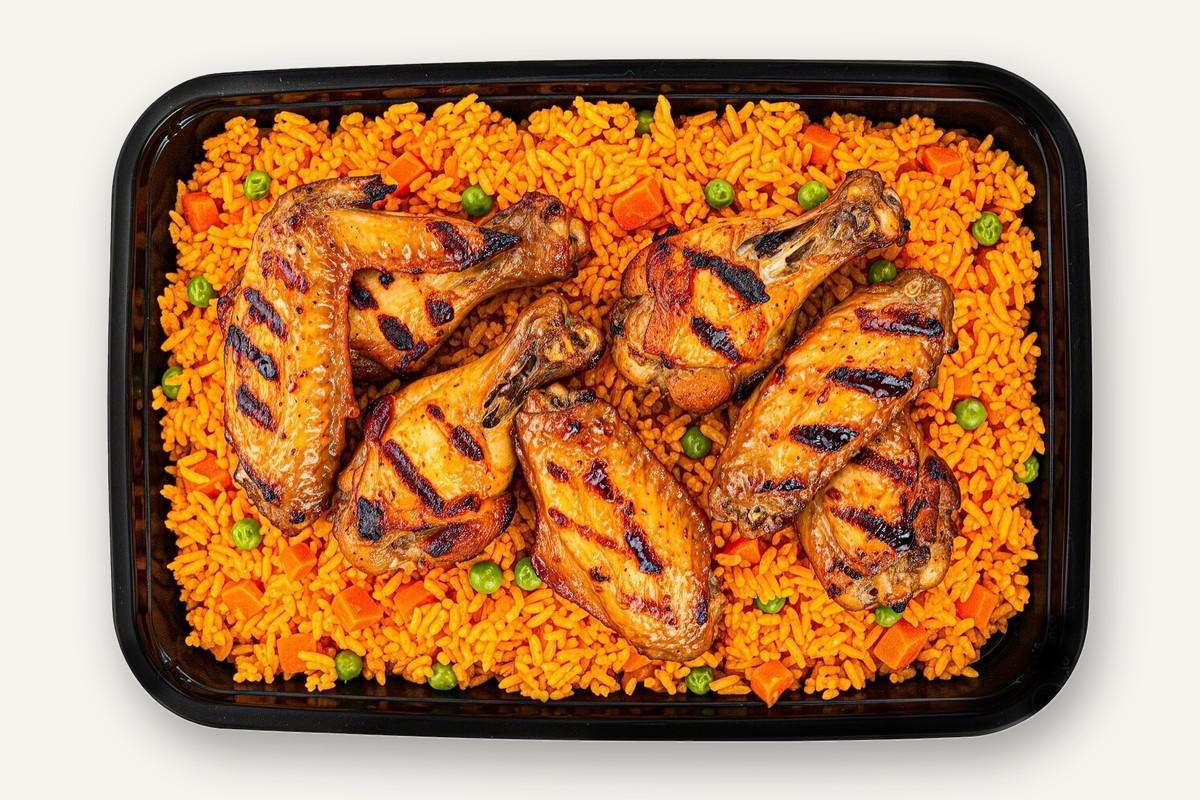
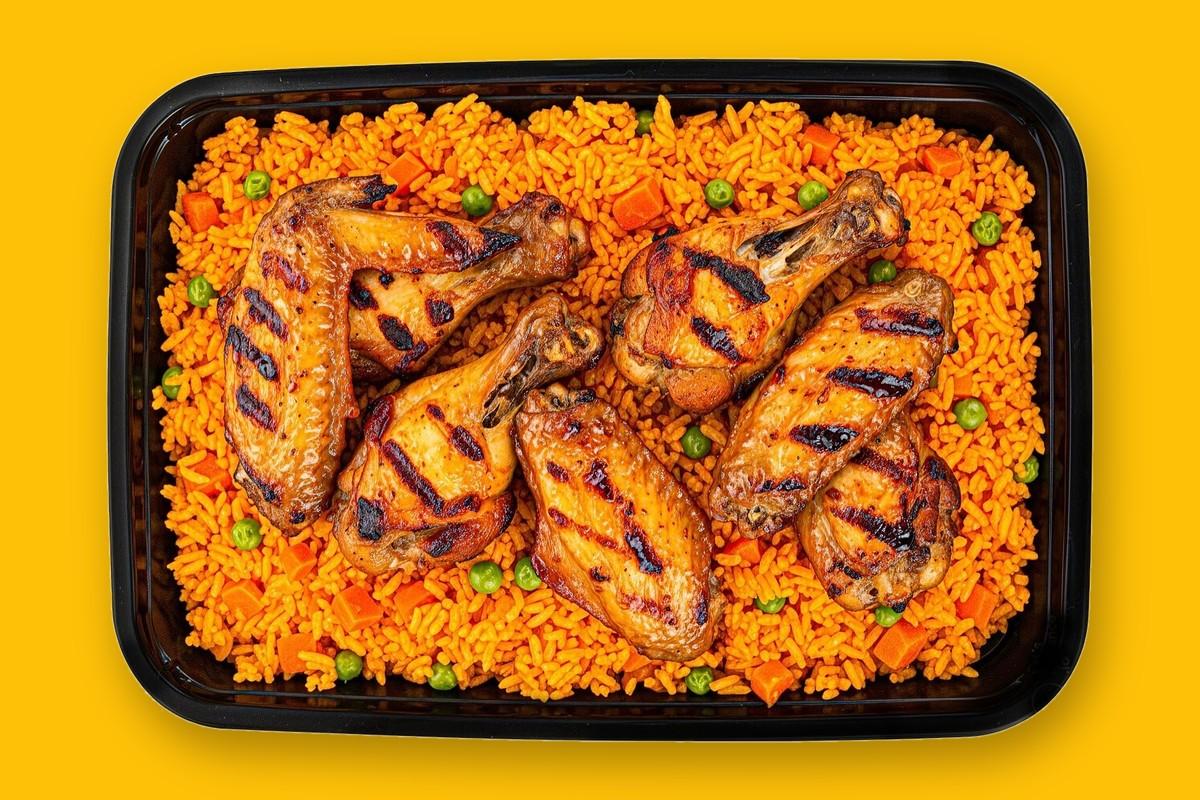
Order now · +232 123456
SEE EASYWAN IN ACTION
Made on your phone.
Ready to share.
Photo edits, film looks, backgrounds and designs, all inside one app.
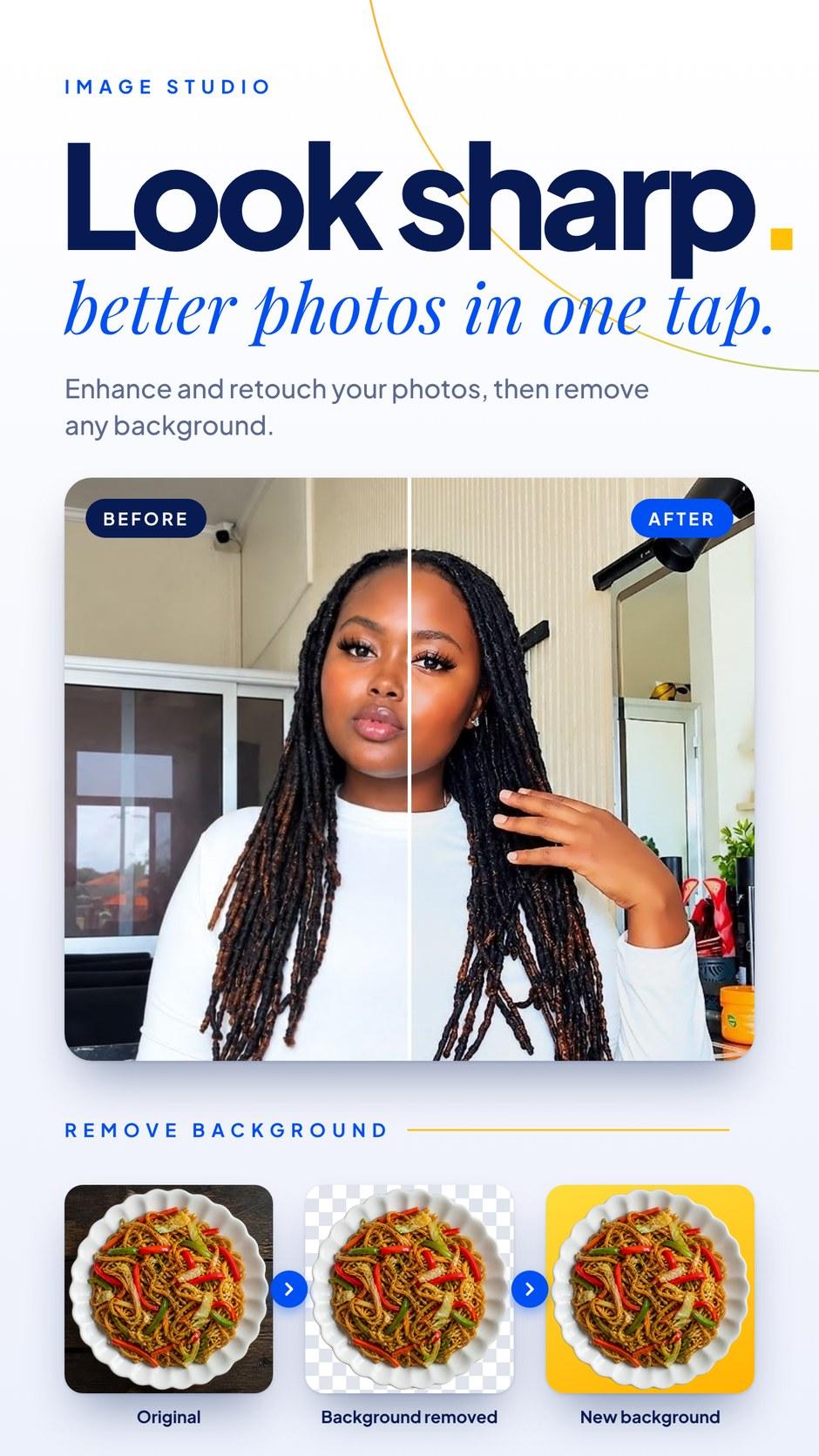
Photo editingEnhance, retouch and remove backgrounds. Design editorText, photos, colours and layers. 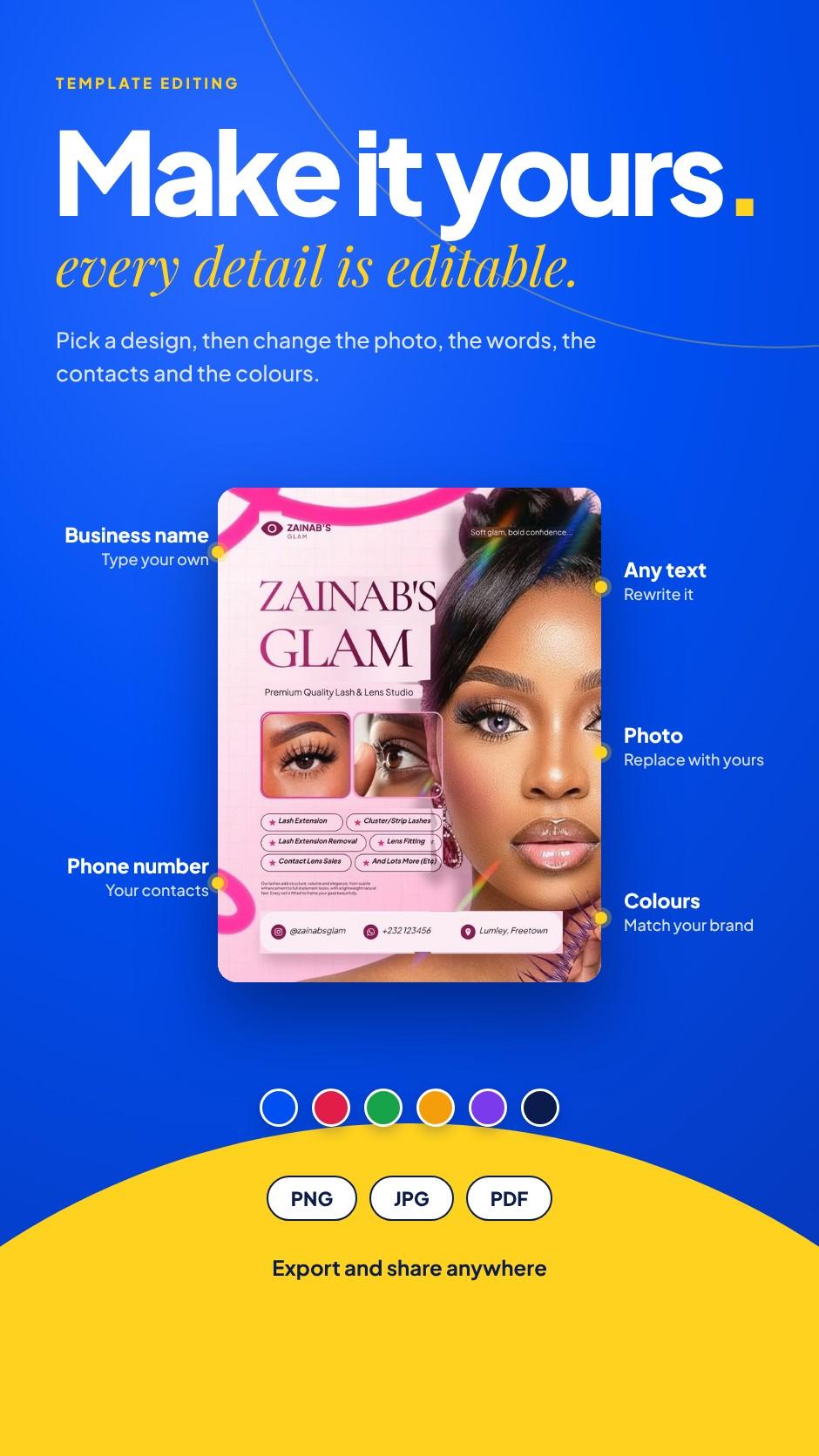
Make it yoursChange the photo, words, contacts and colours. 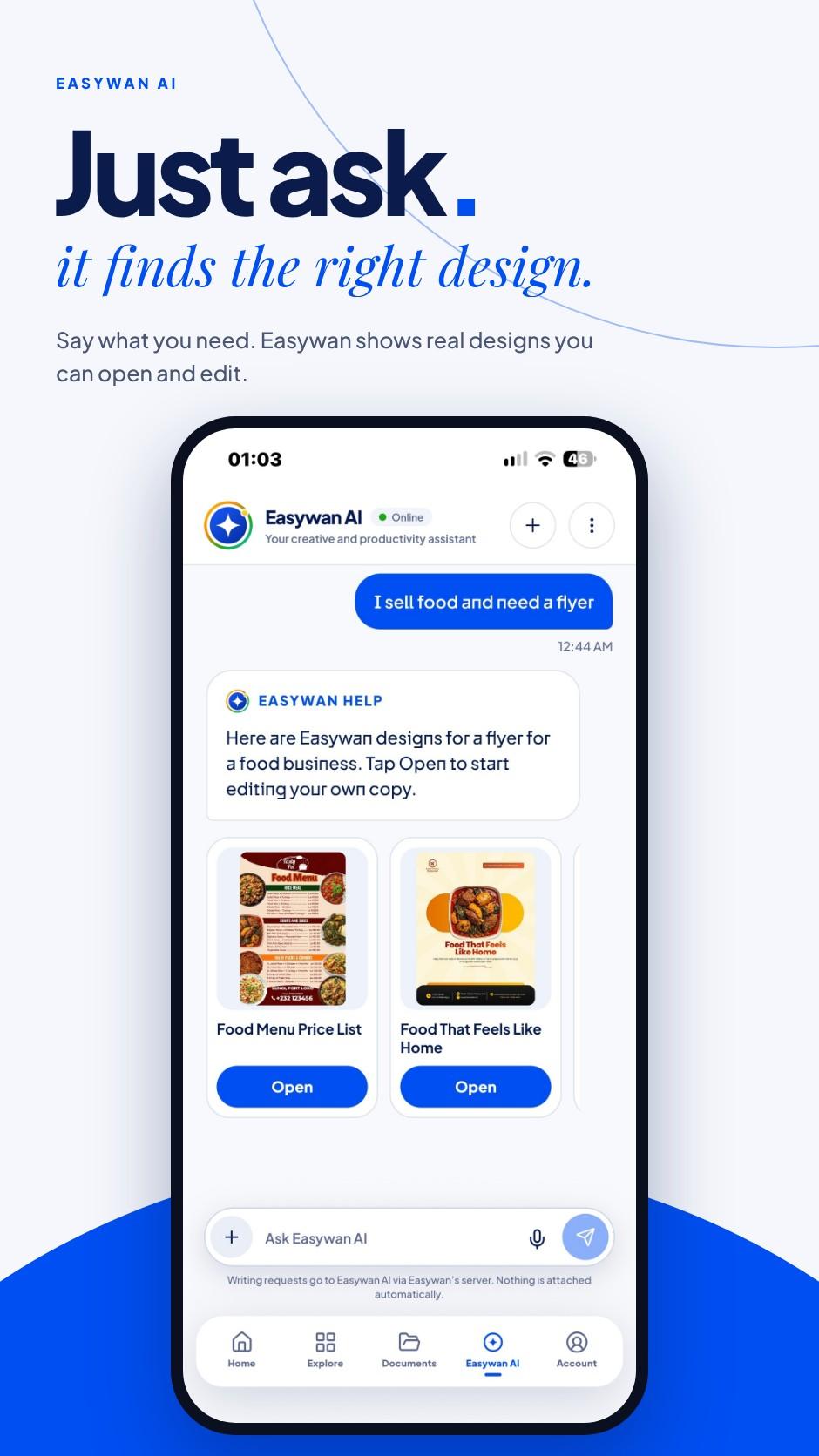
Easywan AIAsk for what you need and open a matching design. 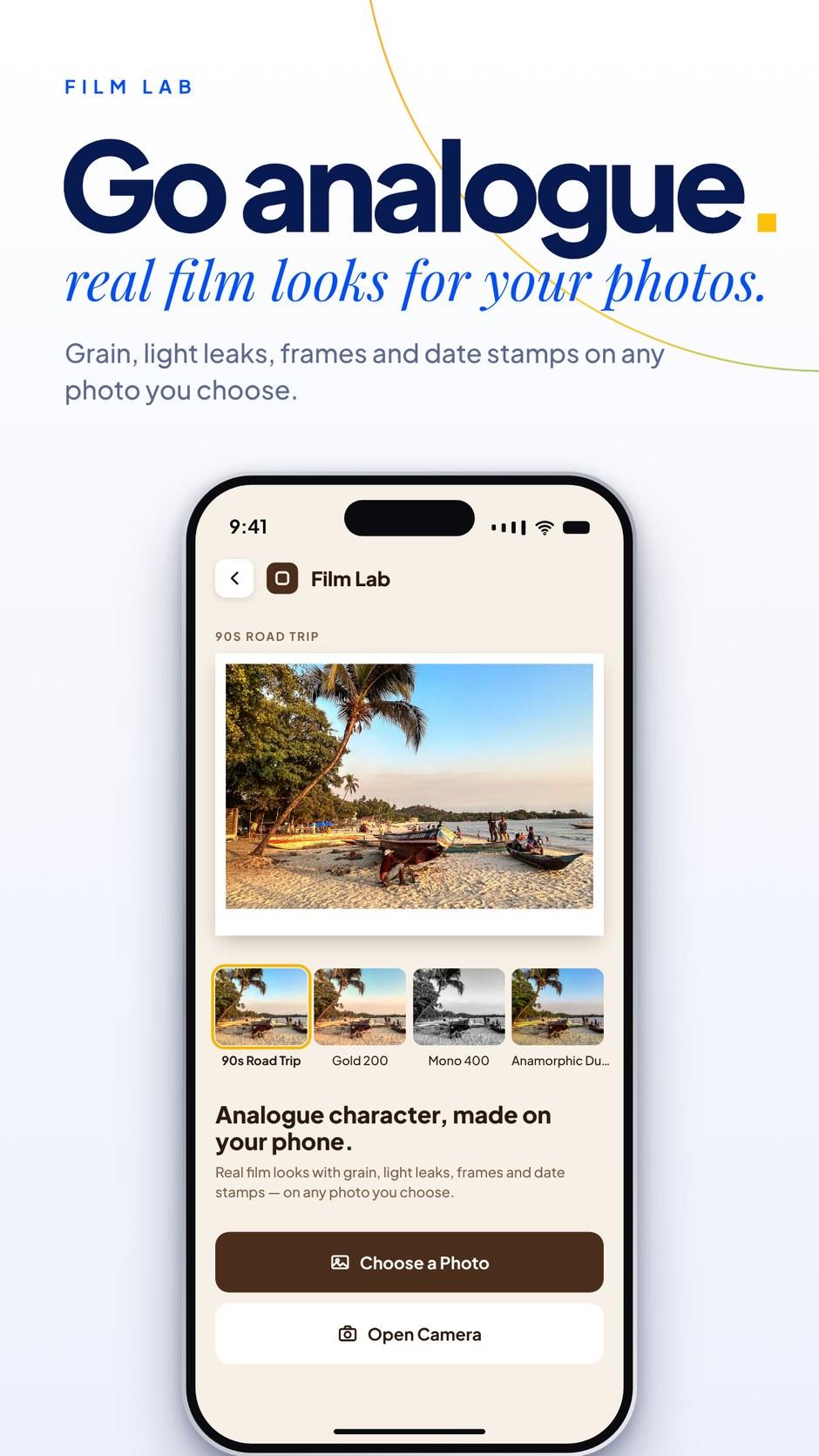
Film LabReal film looks, grain and light leaks. 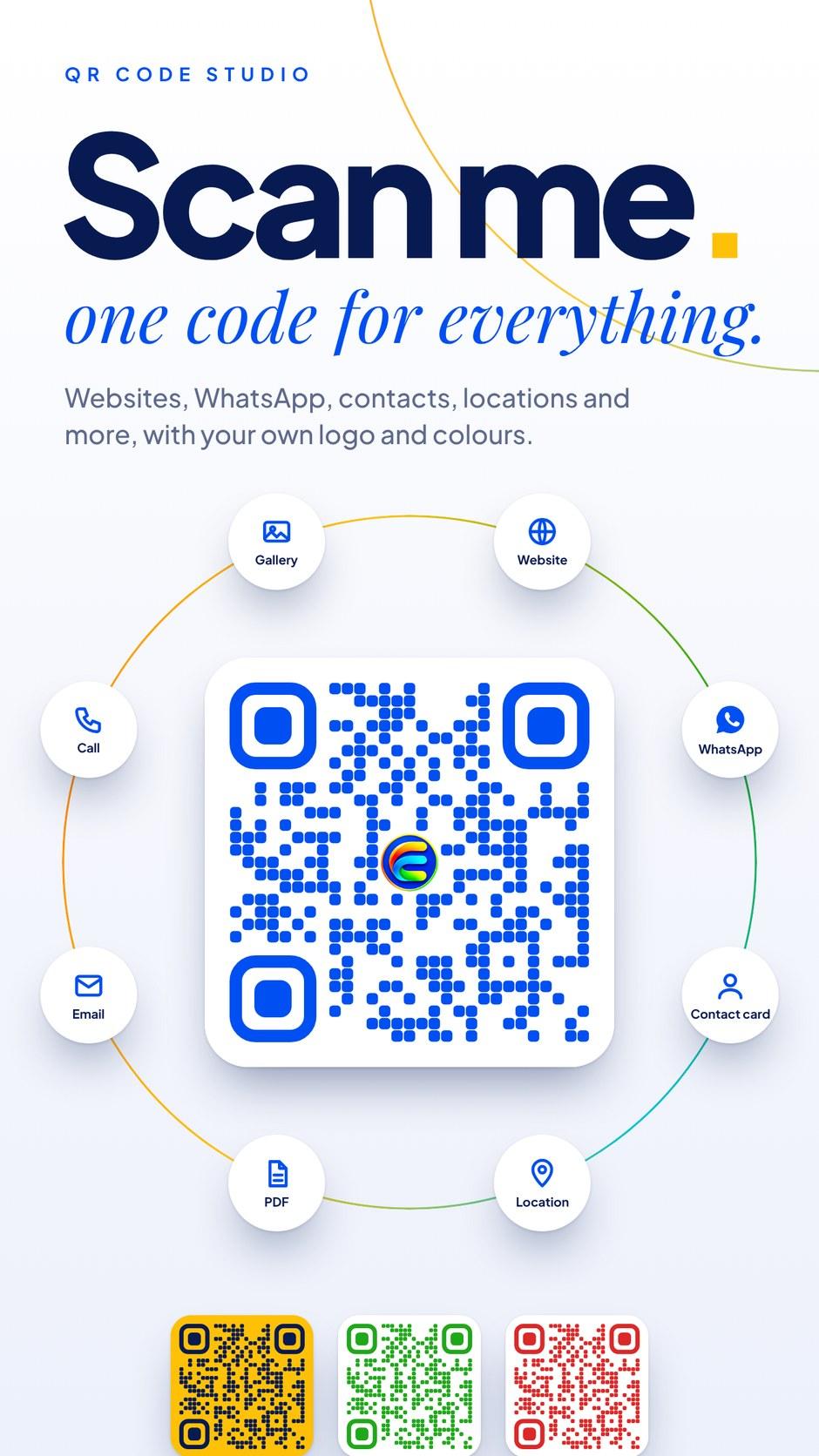
QR codesCustom QR codes with your colours and logo. 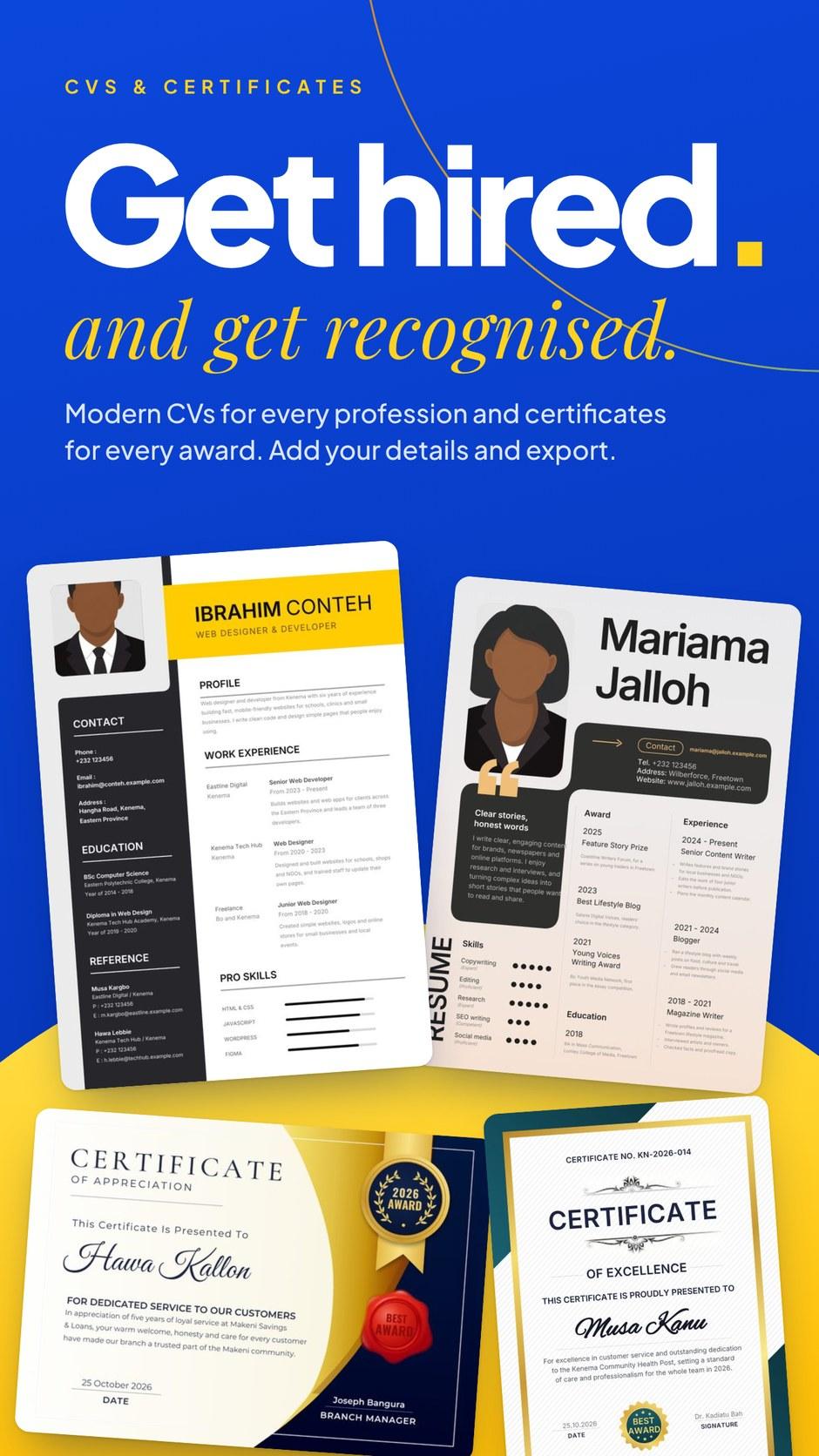
CVs and certificatesModern CVs and award-ready certificates. Business documentsInvoices, receipts, business cards and ID cards. 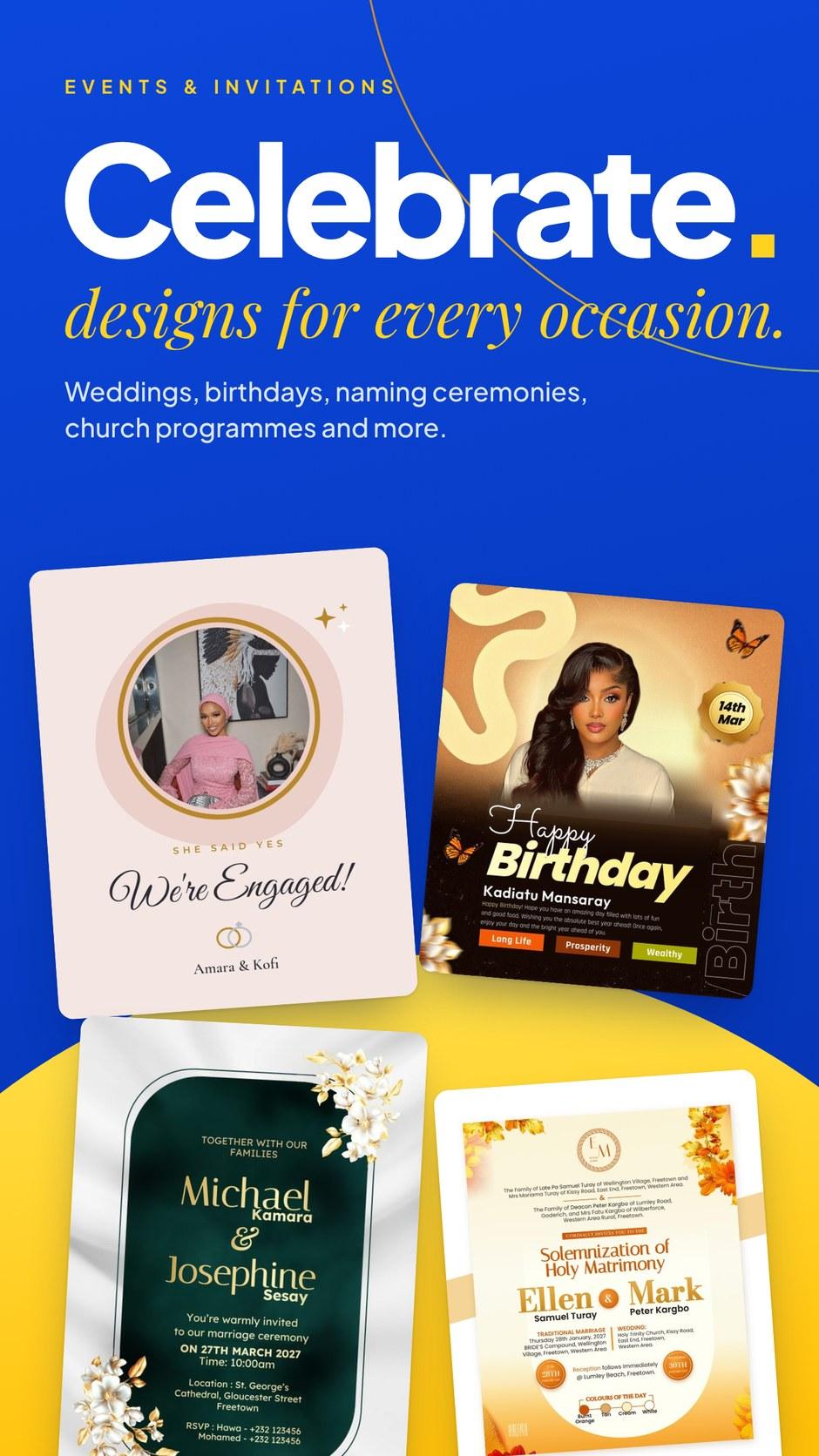
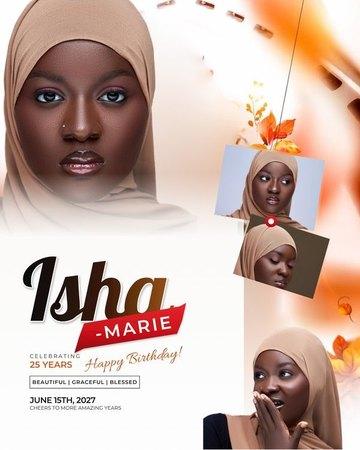
Events and invitationsWeddings, birthdays and more. 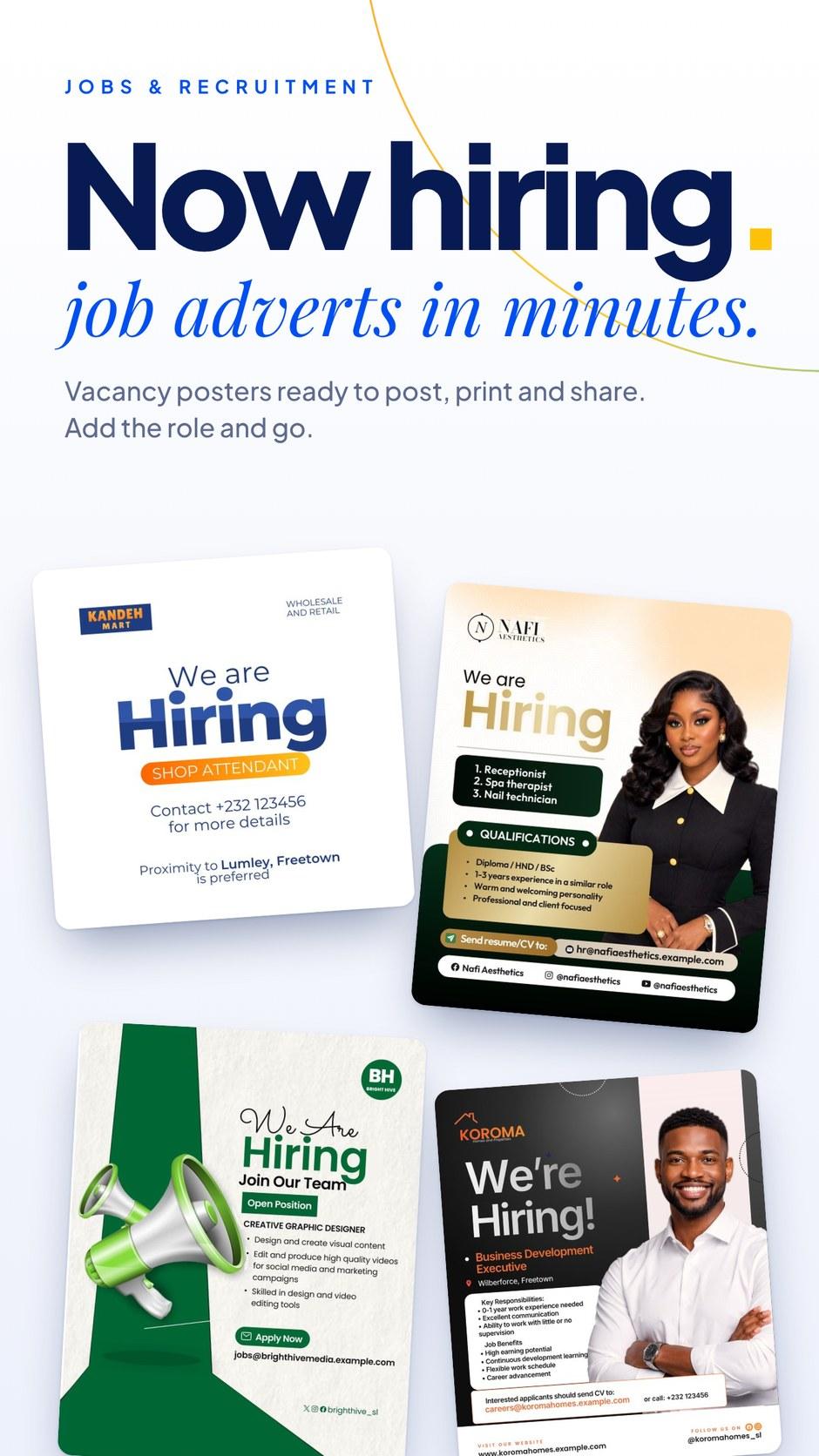
Job advertsVacancy posters ready to share. 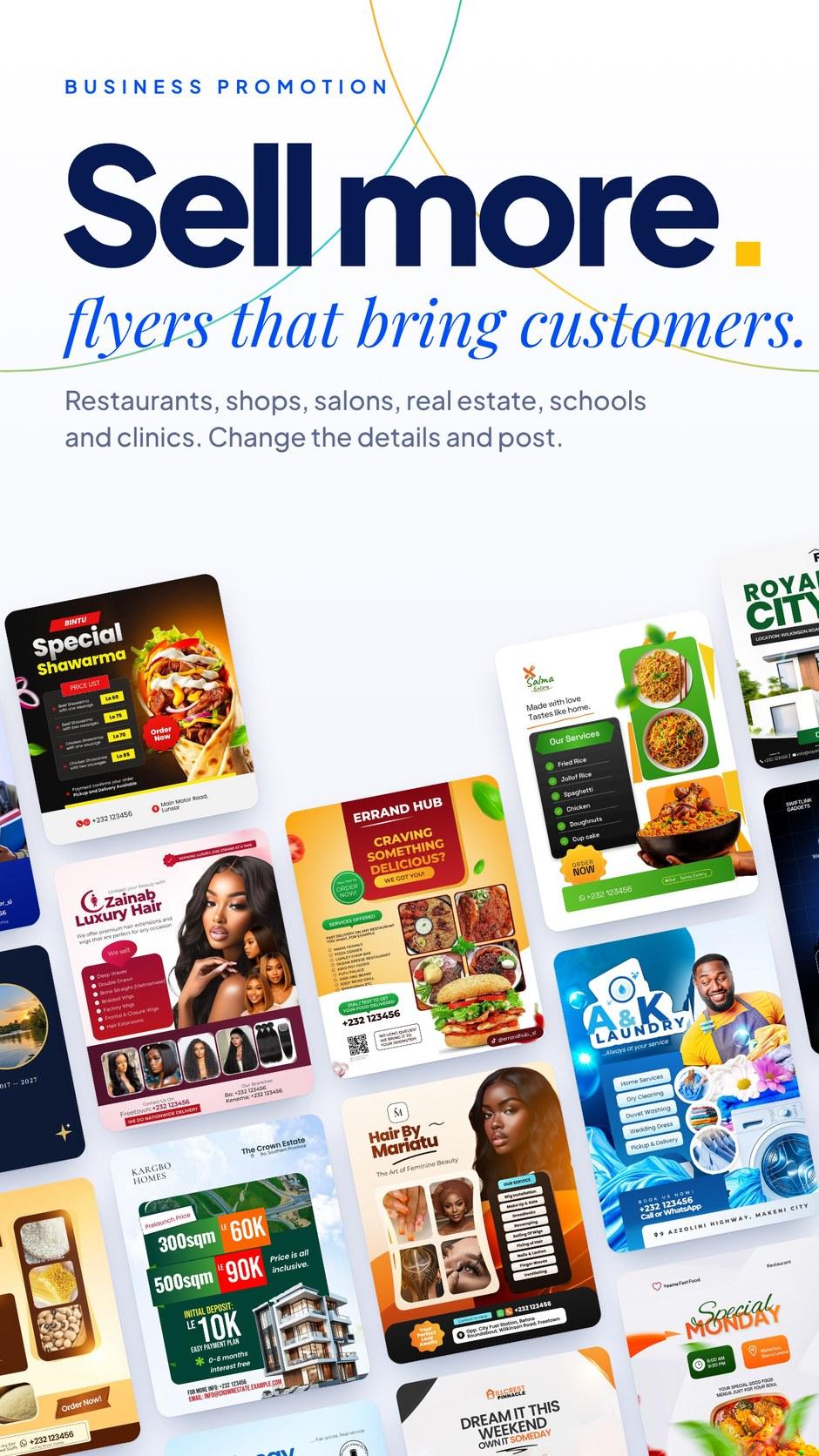
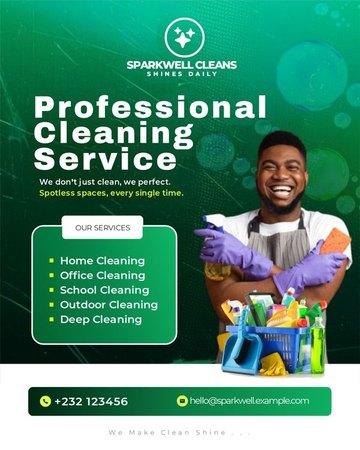
Business flyersFlyers for shops, restaurants, salons and more. 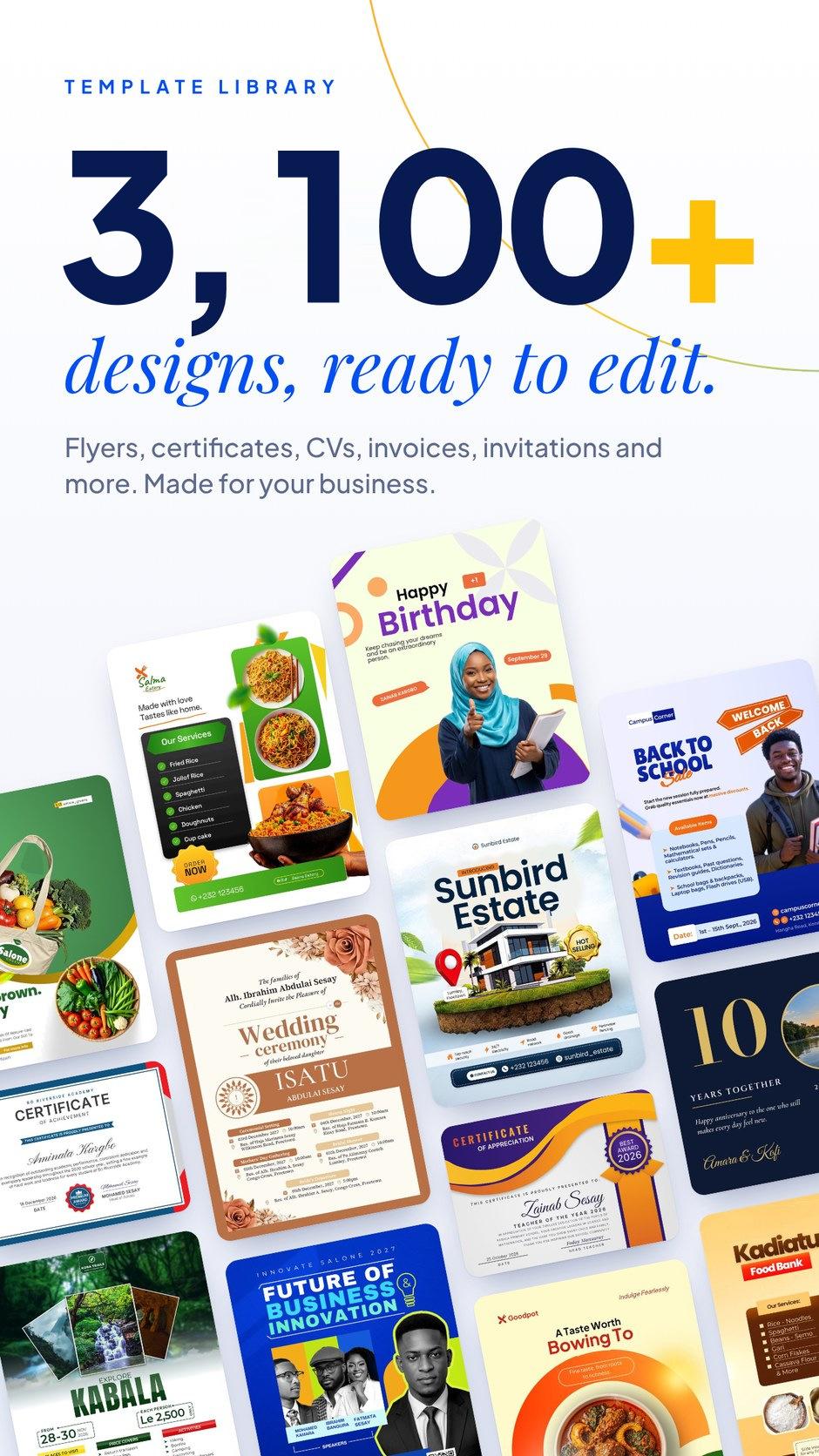
Ready-made templatesFlyers, certificates, CVs, invitations and more.
BACKGROUND STUDIO
One photo.
Any background.
Take the person out of the photo,
then add a colour or a whole new scene.
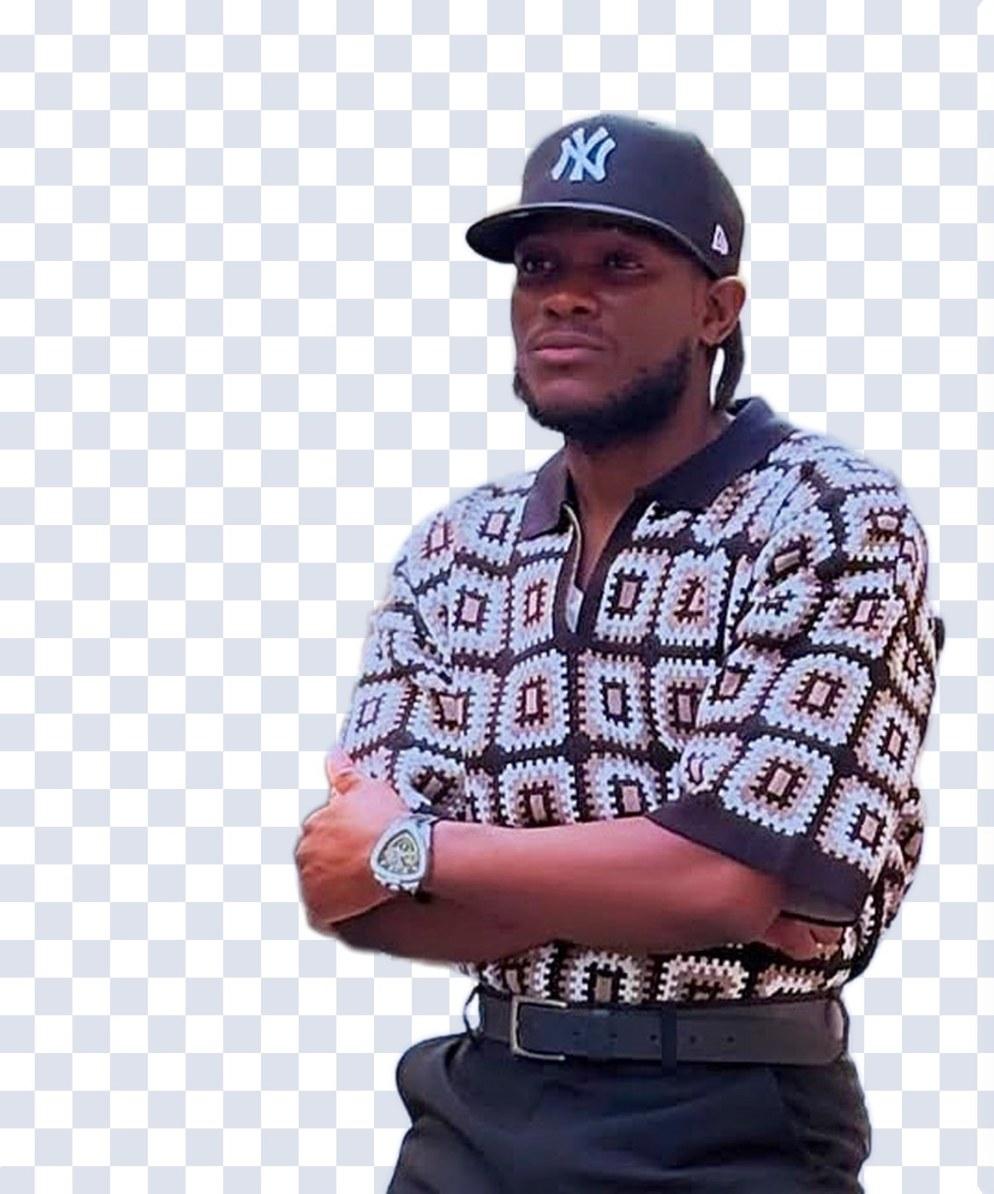
Background removedSave it as a transparent PNG. 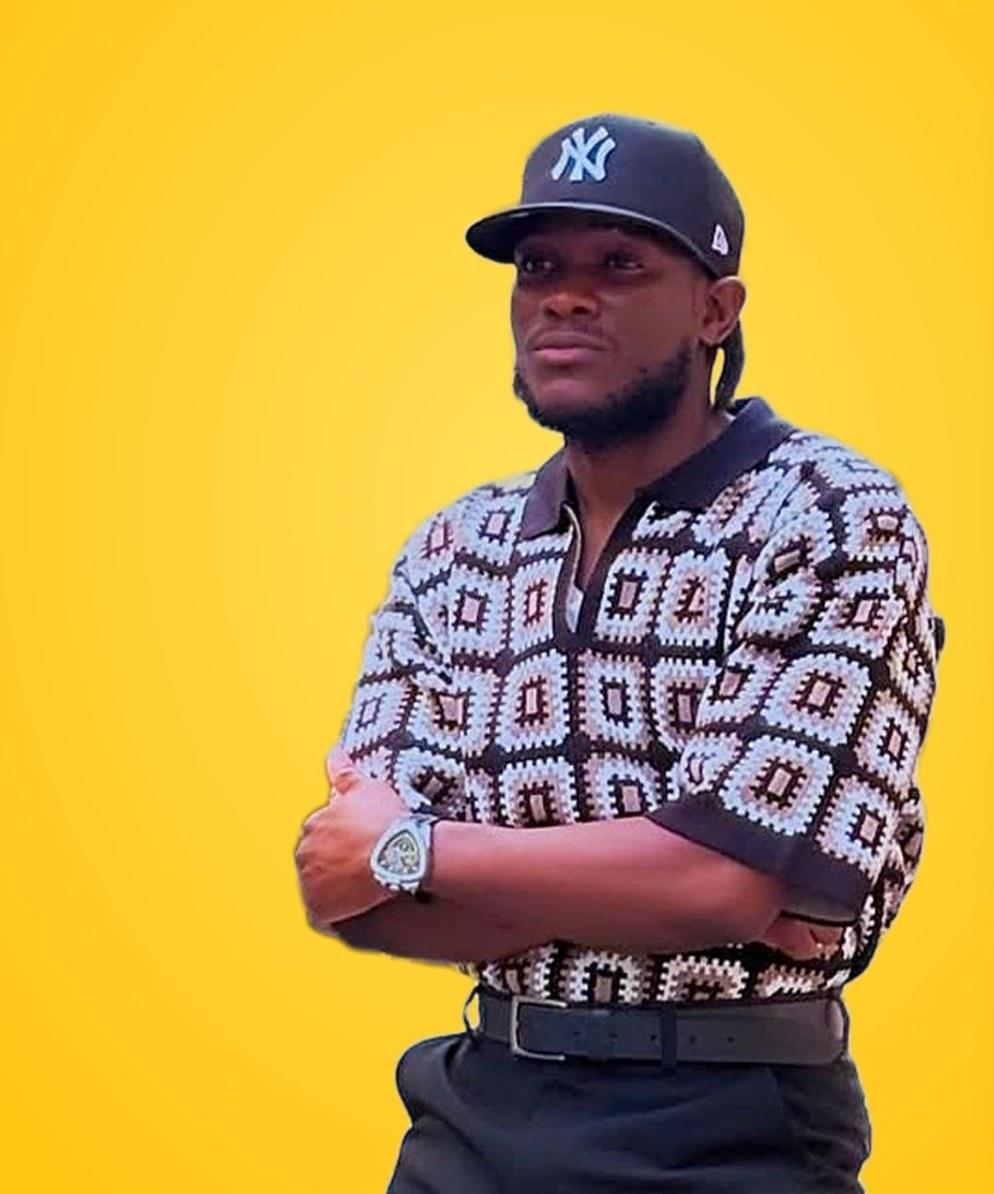
New colourAny colour behind them. 
New scenePut them somewhere new.
DOWNLOAD EASYWAN
Your everyday tools, in your pocket.
Documents, designs, photo tools and QR codes together in one app for iPhone, iPad, Android phones and Android tablets.
 Coming Soon
The store listing shows the devices, system versions and regions Easywan supports. Device guidance
A little less busywork.
Make room for
what’s next.
Easywan brings the everyday tools you need into one simple place.
- Flyers
- CVs
- Invoices
- Photos
- QR codes
Download from Google Play.